Macro Auto Clicker for Android
Make your phone do the boring stuff
Android Macro is a free macro auto clicker for Android. Automate repetitive taps, swipes, and on-screen image & text detection in any app or game — no root on Android 7.1+.
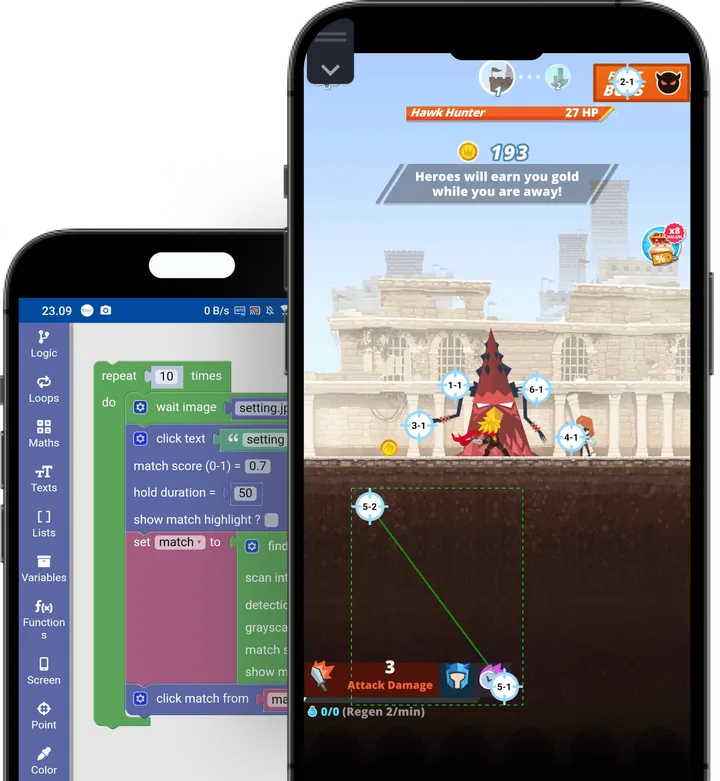
This is the real editor
Build your own auto clicker and phone automation in seconds. Drag visual blocks to set up taps, swipes, and detection, and your macro runs on your device exactly as you designed it here.
Three steps to automate
That's the whole workflow: capture, build, run.
Capture
Pick a tap point, trace a swipe path, or snap part of your screen as a reusable template.
Build with blocks
Snap colorful blocks together to describe what your phone should do. No code, just logic.
Press play
Run your macro, watch it work, then save it to replay any time with a single tap.
Everything you need to automate
Click a card to watch it run. These are real recordings from the app.
Tap & hold
Single taps, long presses, multi-touch — at any coordinate, with delay.
Swipe gestures
Drag along multi-point paths with custom speed and hold timing.
Find an image
Detect a template on screen and click its best — or every — match.
Wait for a match
Pause until an image appears or vanishes, with a timeout.
Read text (OCR)
Detect on-screen text, extract it, then act when it shows up.
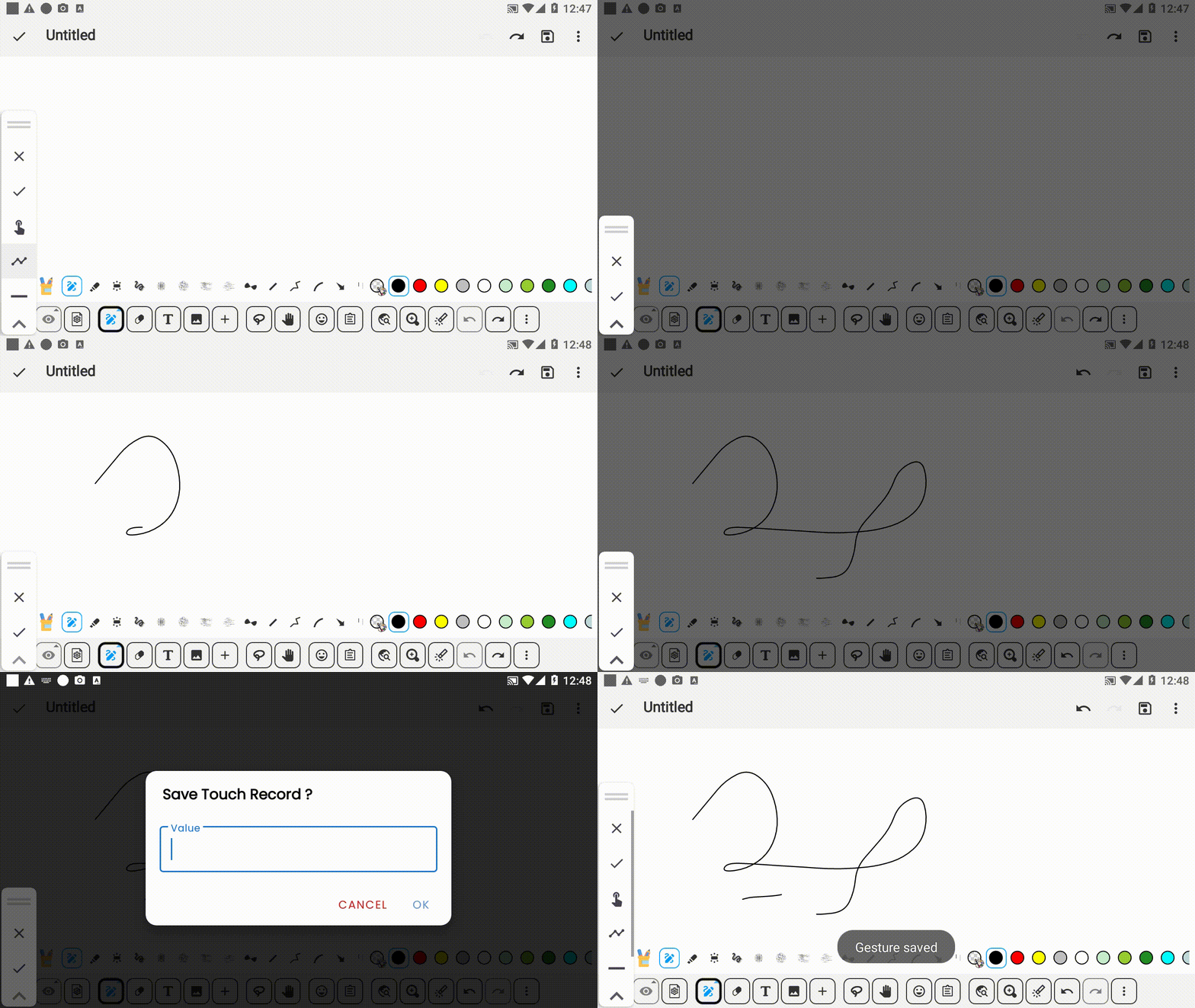
Record
Capture your real taps and swipes on screen, then replay them anytime.
Frequently asked questions
What is a macro clicker?
A macro clicker (or macro auto clicker) is an app that repeats taps, swipes and other actions for you. Android Macro goes further: your macro can look for an image or text on the screen and react when it appears.
Is Android Macro free?
Yes. Android Macro is free to download on Google Play. It contains ads and optional in-app purchases.
Do I need root?
Not on Android 7.1 or newer: Android Macro uses the built-in Accessibility Service. Android 5.0 to 7.0 needs a rooted device and the Android Macro Activator app. See Requirements.
How do I make a macro on my phone?
Install Android Macro from Google Play, turn on its Accessibility Service, then record your taps or build a macro with blocks. Press play to run it. The How To Use guide walks through each step.
Can it click on images or text?
Yes. Capture a small part of the screen as a template and Android Macro finds it with template matching; text is read with OCR. Then tap, swipe or run any block when it is found. See Detect Image or Text.
Does it work in games?
Android Macro works in any app or game you can see on screen. Some games don't allow automation, so check a game's rules before you use a macro in it.
Stop tapping. Start automating.
Free to download, works on Android 5.0 and up. Build your first macro in minutes, no root needed on 7.1+.